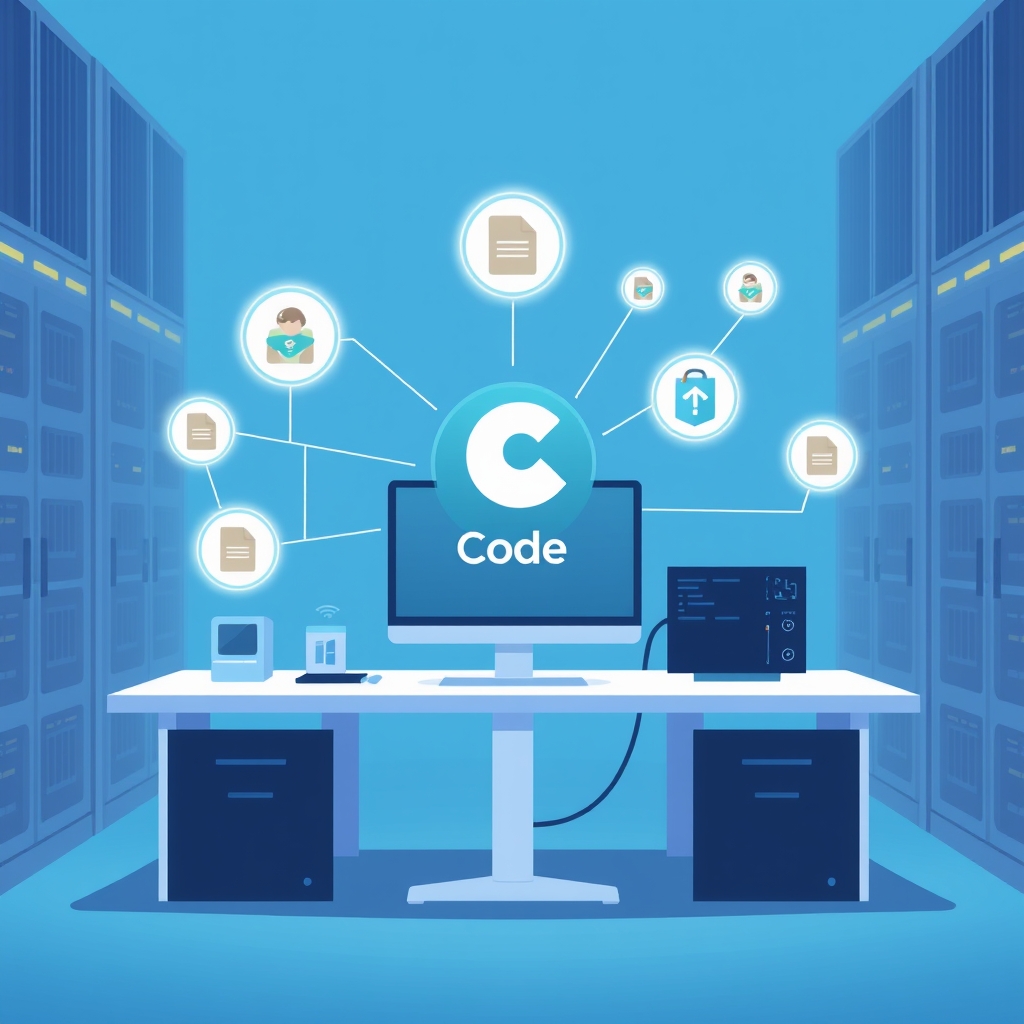

Anthropic is set to significantly evolve its artificial intelligence platform by integrating Claude Chat and Claude Cowork into a single, cohesive Claude Unified AI Interface. This strategic consolidation, commencing on September 16, 2026, aims to simplify user interaction and enhance the system's ability to handle diverse tasks, from simple queries to complex, multi-step projects.
The Evolution of Claude's Interface
Before the Merger
Previously, users initiated their work by explicitly selecting either Chat or Cowork. Chat was designated for direct questions and conversational exchanges, while Cowork was tailored for more intricate, multi-step operations such as file processing, in-depth research, and document generation. A notable limitation of this dual-interface approach was the friction encountered when a task initiated in Chat evolved into a Cowork-type activity. Users would then need to manually switch to Cowork, often resulting in a loss of contextual continuity, which hindered seamless workflow execution.
Post-Merger Experience
With the upcoming merger, users will no longer be required to pre-select a mode. Instead, they will simply articulate their request, and Claude will intelligently determine the most appropriate method for execution. For straightforward inquiries, Claude will provide direct responses. For more complex demands, the system will orchestrate multi-step processes, leveraging its capabilities to read files, conduct research, execute code, utilize connectors, and generate various artifacts like documents and presentations.
Redefining the Chat Role in the Claude Unified AI Interface
The integration transforms chat into the primary interface for initiating and managing all work within Claude. This means users won't need to pre-define whether their request is a chat, research task, workflow, or agent-driven process. The system will interpret the desired outcome and select the optimal execution path. A single chat session can now seamlessly transition from a simple question to complex operations like research, file analysis, report generation, and even presentation creation. Furthermore, this unified approach extends to features like Claude Docs, Claude Slides, and Claude Design, eliminating the need for users to copy results between different applications. Claude will create and allow continuous editing of artifacts directly within the same integrated environment.
Cloud Execution Capabilities
The Cowork functionality, now integrated into the Claude Unified AI Interface, brings robust cloud execution capabilities. When tasks run in the cloud, they offer several advantages:
- Persistent Operation: Tasks continue to run even if the user's local computer is turned off.
- Scheduled Automation: Timed tasks can be scheduled and executed reliably in the cloud.
- Universal Access: Users can access their ongoing work from any device-web, desktop, or mobile-ensuring flexibility and continuity.
Local File Access Limitations and Workflow Types
It's crucial to understand that while cloud execution offers significant benefits, it does not automatically grant Claude access to local files on the user's computer. Claude can only read or write to local files if three specific conditions are met:
1. The session must be initiated from Claude Desktop. 2. The user must have explicitly granted permissions for the relevant folder. 3. Claude Desktop must be actively running at the moment Claude attempts to access the file.
If a user closes Claude Desktop, any ongoing cloud session will persist, but its ability to access local files will cease. Other limitations include:
- Projects relying on local folders require Claude Desktop to be active for folder access.
- The execution environment (cloud or local machine) is determined at the start of a session and cannot be changed mid-task.
- Scheduled tasks running in the cloud cannot utilize local computer folders.
Two Workflow Paradigms
Understanding these limitations leads to two distinct types of workflows:
- Type 1: Local File-Dependent Workflows: These workflows necessitate access to files stored on the user's computer. For example, if Claude needs to read a local code repository, a folder of contracts, or a set of documents on a laptop, both the computer and Claude Desktop must remain operational throughout the entire duration of Claude's data access. If the task requires reading additional files from the laptop mid-execution, the computer must not be turned off, as Claude would lose access to those files.
- Type 2: Cloud-Native Workflows: These workflows operate independently in the cloud. This applies when all input data is already residing in the cloud or is accessible via a cloud connector. Such tasks can run for extended periods, even multiple hours, on the cloud without requiring the user's computer to remain on. A prime example is a research task where all necessary data is cloud-based.
Enhanced Data Governance for Cloud Operations
The shift towards cloud-based execution significantly elevates the importance of robust data governance. Beyond simply granting folder permissions, organizations must establish clear policies to determine which data is permissible for cloud processing and which data must strictly remain on local machines. These regulations are critical for various types of sensitive information, including customer documents, personal data, transaction records, and internal corporate documents, ensuring compliance and security.
Conclusion
The evolution of Claude into a Claude Unified AI Interface signifies a fundamental shift in how users interact with AI systems. Chat, agent capabilities, workflows, research functions, computer usage, and code execution are becoming integrated components beneath a single, intelligent system. Users will specify the desired outcome, and the system will autonomously determine the optimal method of execution. In this new paradigm, the differentiation among AI products will extend beyond mere model quality to encompass critical capabilities such as selecting the correct execution approach, accessing the appropriate data and tools, maintaining context, managing access permissions, and ultimately, successfully completing the task. Chat, while retaining its conversational essence, transforms into a comprehensive interface for engaging with an entire AI ecosystem.