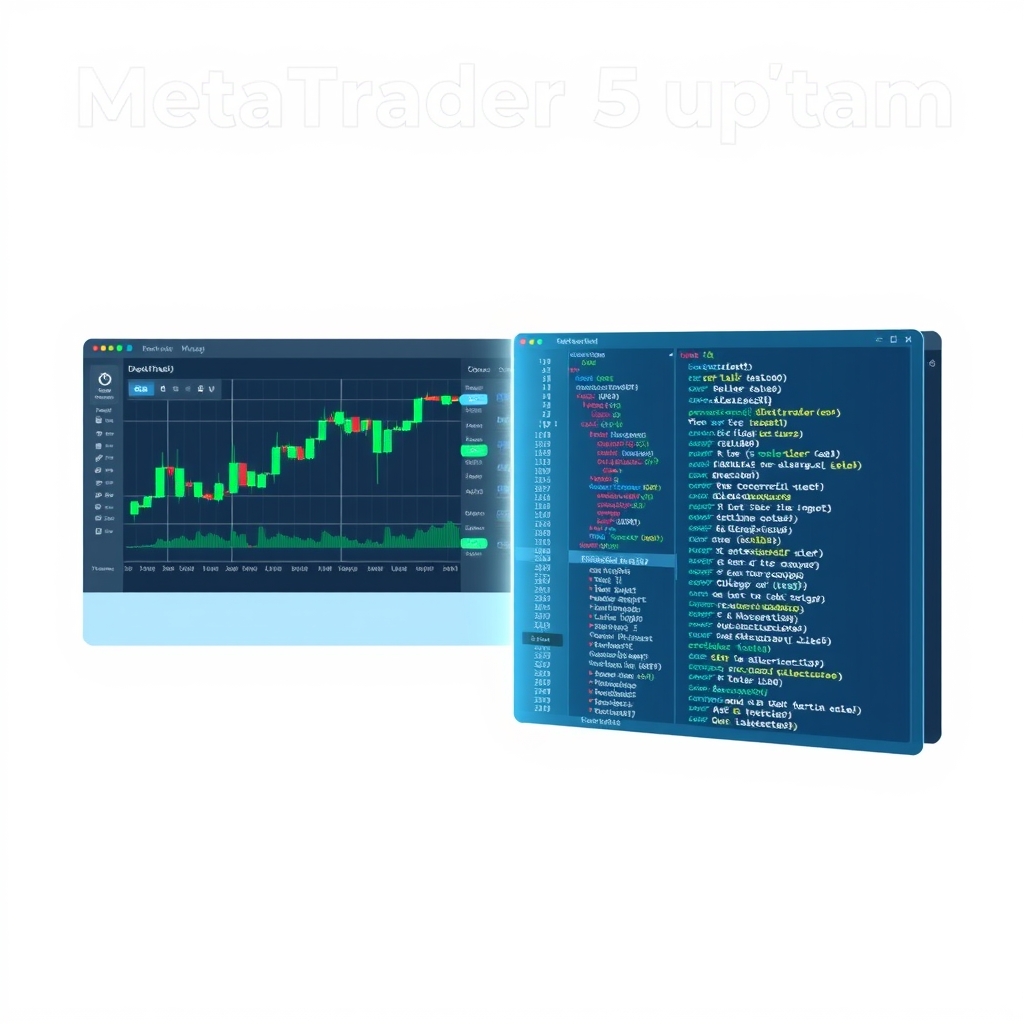
The latest MetaTrader 5 Platform Update, Build 5800, brings a suite of significant enhancements across the platform, focusing on improving the trading experience, developer tools, and overall stability. This release introduces the first stage of enhancements to the main trading dialog, alongside crucial updates for MQL5 developers and general platform users.
Redesigned Trading Dialog for Intuitive Operations
MetaTrader 5 has initiated a comprehensive redesign of its main trading dialog, aiming for a more intuitive and functional user experience. The updated dialog now integrates a built-in Depth of Market, offering full visibility into current market conditions and facilitating quick placement of pending orders at specific price levels. For streamlined access, order type switching has been relocated to a convenient side panel. This side panel also now includes one-click trading enable/disable controls, which previously were only available in the platform settings. Future versions are expected to bring further enhancements for stop level placement and risk management.
Enhanced Developer Tools and MQL5 Capabilities
Developers using MetaEditor will find several valuable improvements. A new table view for CSV files automatically displays data in a structured format, allowing users to filter, sort by columns, and delete rows via the context menu. This feature supports any character as a delimiter (commas, semicolons, tabs, spaces), with manual override if automatic detection is incorrect.
For MQL5 application development, the editor now automatically sets the optimal compilation mode if your CPU supports the AVX2 instruction set, ensuring peak performance. Source files are now saved in UTF-8 without BOM, which guarantees correct display in MQL5 Algo Forge. Furthermore, a critical fix addresses the "repository not owned by current user" error when utilizing MQL5 Algo Forge cloud storage.
The MQL5 language itself sees new OpenBLAS methods for L1 trend filtering, enabling fast and reproducible extraction of trend components from time series. These methods are ideal for piecewise linear trends, reducing noise without blurring regime changes, and automatically detecting turning points due to sparsity in second differences. A key feature is the normalized regularization parameter via λmax, allowing the λ parameter to be defined in relative terms (as a fraction of λmax). This simplifies transferring settings across different symbols, timeframes, and history dataset lengths. Additionally, fixed data requests via CopyRates now correctly return error code -1 for requests outside available history.
Expanded CUDA support for ONNX models now includes a wide range of architectures, including Turing (Nvidia 1660, RTX 2080/2070/2060, T4, Quadro RTX), Ampere (A100, RTX 3090/3080/3070), Ada Lovelace (RTX 4090/4080/4070, L40, L4), Hopper (H100, H200), and Blackwell (B100, B200, B20, RTX 5090/5080/5070). WebRequest operations have also been improved for long-running requests using Keep-Alive.
Platform Stability and Usability Improvements
This update significantly upgrades the built-in help system from the legacy CHM format to a modern web-based engine, featuring a redesigned interface and improved interactivity. By default, the help window opens in a separate panel within the chart area, but if needed, it can be detached and moved outside the platform to free up space for trading instruments.
Other notable fixes and improvements include:
- Proper checking and downloading of required ONNX and OpenBLAS libraries during platform updates.
- Fixed display of the chart position fixing marker.
- Corrected balance drawdown calculation in trading reports, addressing issues where withdrawals could be incorrectly included.
- Adjusted colors for better contrast in the dark theme.
- Improved saving of proxy connection settings and expanded logging, with a message like "connecting through HTTP proxy [server]:[port]" now logged when a proxy is first used during a session.
- Updated Uzbek localization to use the Latin script.
Signals and Tester Enhancements
For users of Signals, delays in signal copying have been fixed, particularly when the subscriber account lacks the exchange rate required for calculating the copy ratio. When determining trade volumes, the system considers the balance ratio between subscriber and provider accounts. If deposit currencies differ and the needed conversion rate is unavailable, the system assumes equal balances and logs the warning: "no conversion rate for the deposit currency of provider and subscriber". This issue, which previously caused delays, is now resolved.
In the Tester, CopyTicksRange behavior has been fixed; requests for symbols other than the main testing symbol previously returned error 4401. Additionally, phong tục trading settings can now be edited after import.
Web Terminal Updates
The MetaTrader 5 Web Terminal also received several fixes:
- Corrected positioning of the indicator adding dialog, which could appear at the edge of the screen.
- Fixed display of trading session bắt đầu times in instrument specifications.
- Improved double-click behavior on objects and the vertical scale, now opening properties and resetting zoom to default.
Conclusion
The MetaTrader 5 Platform Update Build 5800 delivers a comprehensive set of improvements, from a more intuitive trading dialog and powerful new MQL5 development tools to critical stability fixes across the platform. These updates enhance both the user trading experience and the capabilities available to developers, reinforcing MetaTrader 5's position as a robust platform for financial markets.