For frequent Claude Code users, the real challenge is not only writing better prompts. The bigger question is how to help Claude understand your working style, recognize repeated instructions, and suggest which parts of your process should become reusable systems.
A post by Walid Boulanouar, co-founder of a startup in France, introduced a practical idea: run a weekly prompt that asks Claude Code to review previous work sessions, identify repeated patterns, and group them into workflow improvements.
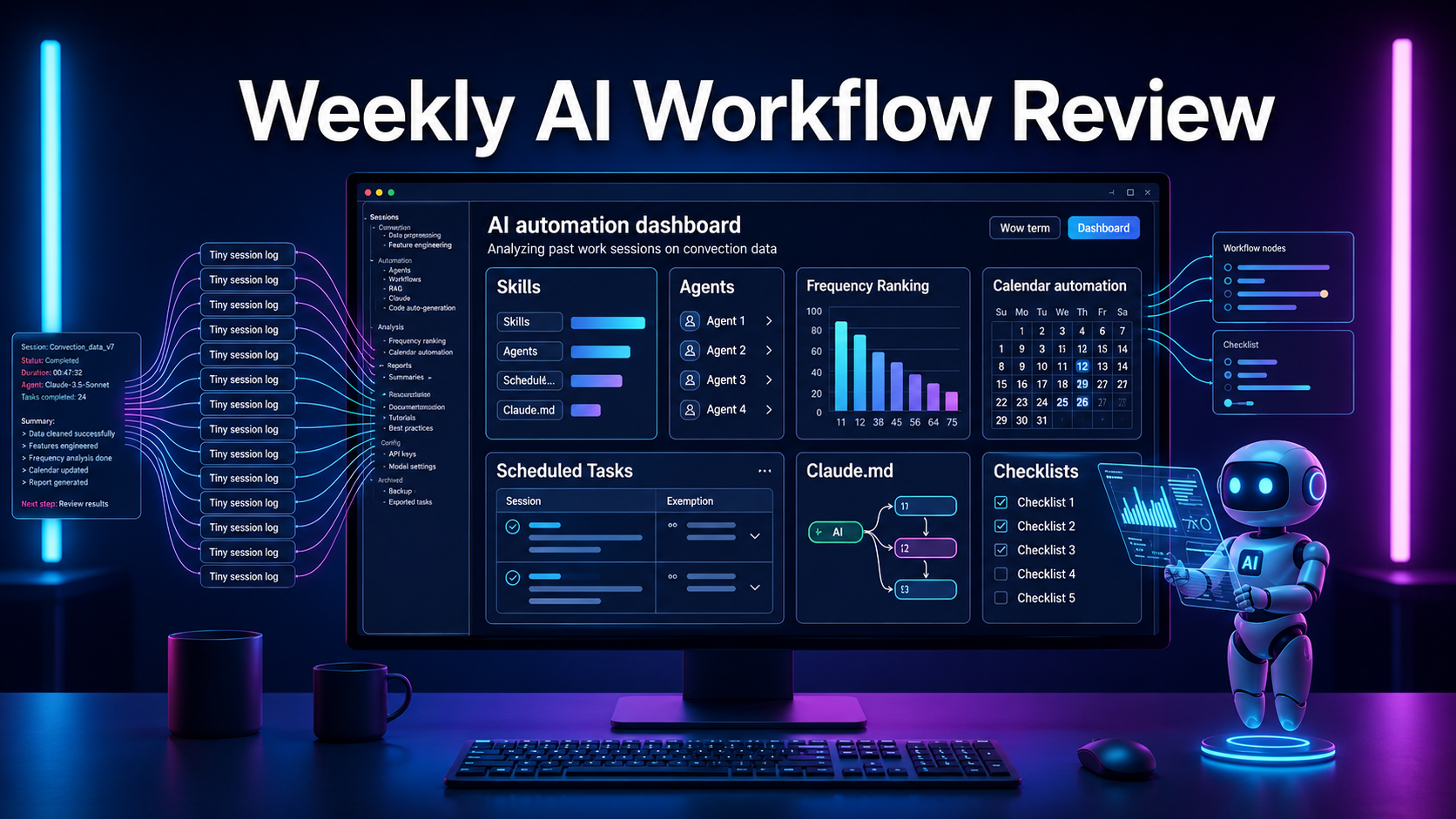
Instead of treating old sessions as forgotten conversations, this approach turns them into useful data. Claude can analyze what you often ask it to do, which requests appear repeatedly, which ones should become skills, which workflows could become agents, which tasks should be scheduled, and which rules should be saved in CLAUDE.MD.
Why a Claude Code Workflow Should Be Reviewed Weekly
When working with an AI coding assistant, users often repeat similar requests without noticing it. One day, they ask Claude to write tests. The next day, they ask it to review a component. Later, they ask it to create a deployment checklist or analyze a bug.
These requests may look small at first. But when they appear again and again, they become signals that part of the workflow can be standardized.
For example, a developer may often ask Claude Code to:
- Check logic errors in a file.
- Summarize changes before a commit.
- Rewrite prompts for Codex or Claude.
- Create test checklists after feature updates.
- Read logs and find the cause of a bug.
- Update technical documentation after code changes.
- Save project rules into a guidance file.
If these requests are repeated manually, the user wastes time explaining the same context again. A weekly review prompt solves this by turning usage history into workflow improvement data.
A Weekly Prompt Helps Claude Code Detect Repeated Patterns
The idea is to let Claude Code read old sessions, especially the user requests made during real work. Claude should not simply summarize those sessions. It should analyze them and detect patterns that appear more than once.
This is the key shift: Claude does not treat each conversation as an isolated chat. It treats the full work history as a dataset.
From that dataset, Claude should answer questions such as:
- What types of tasks does the user ask for most often?
- Are there requests that appear many times?
- Which task should become a reusable skill?
- Which workflow is complex enough to become an agent?
- Which task should run on a schedule?
- Which repeated rule should be added to CLAUDE.MD?
This helps Claude Code move closer to a technical assistant that learns from how the user actually works.
SKILLS: Reusable Actions You Still Trigger Manually
The first category is SKILLS. These are tasks the user often requests, but still wants to trigger manually when needed.
A skill works like a reusable action template. It does not need to run automatically, but it helps Claude respond more consistently whenever the user calls it.
Good examples include:
- A skill for writing Claude Code prompts.
- A skill for generating test cases for a service.
- A skill for reviewing UI components with a checklist.
- A skill for turning product requirements into technical tasks.
- A skill for writing short module documentation.
- A skill for detecting common frontend issues.
When the same type of task appears many times across sessions, it is a sign that the task should be standardized. Instead of writing the same long prompt repeatedly, the user can call the matching skill.
AGENTS: Turning Multi-Step Workflows into Autonomous Systems
Not every repeated task should become a skill. Some tasks include multiple steps: reading files, analyzing data, identifying the cause of an issue, and suggesting the next action. These belong more naturally in the AGENTS category.
An agent is different from a skill because it can represent a broader multi-step workflow.
Examples include:
- An agent that analyzes bugs from logs, source code, and recent changes.
- An agent that checks a pull request before merging.
- An agent that reads an issue and finds likely related files.
- An agent that checks whether project documentation still matches the code.
- An agent that reviews automation workflows for fragile nodes.
- An agent that summarizes refactoring opportunities from the week.
For Claude Code users, this is one of the most valuable parts of the idea. If the session history shows that the user often asks for the same chain of actions, turning it into an agent can save much more time than saving it as a simple prompt template.
SCHEDULED TASKS: Automating Work That Should Run on a Calendar
Another category is SCHEDULED TASKS. These are jobs that should not depend on the user remembering to run them manually. Their nature is already periodic.
In software development and AI workflow management, these tasks are common:
- Summarizing completed work for the week.
- Reviewing repeated bugs.
- Finding requests that appear frequently in sessions.
- Suggesting new skills based on usage frequency.
- Creating a workflow improvement report.
- Checking which rules should be added to CLAUDE.MD.
- Sending a summary to Slack or another internal channel.
The main advantage of scheduled tasks is that they turn workflow improvement into an automatic habit. The user does not need to remember to run a weekly review. The system can run on schedule and return a structured report.
CLAUDE.MD: Saving Rules That Should Not Be Repeated Again
For Claude Code, CLAUDE.MD acts like project memory. It is the right place to store stable rules, standards, and context that Claude should know before working on the project.
If the same rule is mentioned repeatedly across sessions, it is a clear sign that it should be added to this file.
Examples of useful CLAUDE.MD content include:
- File naming rules.
- Project folder structure.
- Current technology stack.
- Preferred libraries.
- Methods or patterns that should not be used.
- Testing rules.
- Response rules when editing code.
- Required checks before modifying large files.
- Style, performance, or security requirements.
When this information is stored in advance, Claude Code is less likely to lose context. The user also avoids repeating the same basic project rules in every new session.
The Weekly Report Should Prioritize High-Frequency Patterns
A useful weekly review should not simply list everything Claude finds. The report should be ranked by frequency so the user can decide what to optimize first.
Each recommendation should include:
- A short description of the detected pattern.
- The related session ID.
- The frequency count.
- The recommended category: SKILLS, AGENTS, SCHEDULED TASKS, or CLAUDE.MD.
- The reason for the recommendation.
- The suggested next action.
This makes workflow improvement more practical. If one type of request appears many times in a week, it is more likely to produce real value when automated or standardized.
A Sample Weekly Review Prompt for Claude Code
Here is a rewritten prompt you can adapt for your own Claude Code setup:
Run a weekly workflow review for my Claude Code usage.

Scan my previous Claude Code sessions and analyze the user requests across those sessions.

Your goal is not only to summarize the sessions. Your goal is to detect repeated working patterns that should be turned into reusable systems.

Classify the findings into 4 groups:

1. SKILLS
Repeated manual tasks that should become reusable Claude Code skills.

2. AGENTS
Multi-step research, debugging, review, or action workflows that could run as autonomous agents.

3. SCHEDULED TASKS
Recurring tasks that should run automatically on a weekly, daily, or project-based schedule.

4. CLAUDE.MD
Repeated preferences, coding rules, project standards, instructions, or context that should be saved into Claude’s persistent project memory.

For each finding, include:
- Short description
- Related session ID
- Frequency count
- Recommended category
- Reason for recommendation
- Suggested next action

Sort the final report by frequency from highest to lowest.

End with:
“Reply with a session ID if you want to inspect the original context.”
The Real Benefit: Claude Code Improves the Way You Work
The biggest value of this method is the improvement loop. You work with Claude Code during the week. Then Claude reviews your work history, finds repeated patterns, and suggests how to improve the system.
Over time, this cycle can make your workflow cleaner and more automated:
- Repeated prompts become skills.
- Multi-step processes become agents.
- Periodic work becomes scheduled tasks.
- Project rules move into CLAUDE.MD.
For frequent Claude Code users, this is a practical way to reduce manual effort. The more you use it, the more data the system has to understand your work habits and suggest better automation.
Conclusion
This weekly prompt is not just a small trick for writing better instructions. It is a way to build a workflow system around Claude Code.
Instead of letting old sessions disappear, you can use them as data for improvement. Repeated tasks become visible. Automatable workflows become easier to identify. Project rules that appear again and again can be saved permanently.
For developers, founders, and automation builders, this is a useful direction to test: let Claude Code support not only individual tasks, but also the continuous improvement of the way you work.
Source: LinkedIn post by Walid Boulanouar about a weekly prompt for Claude Code.